Posts
Guest Post: Icy Sedgwick on the Novella
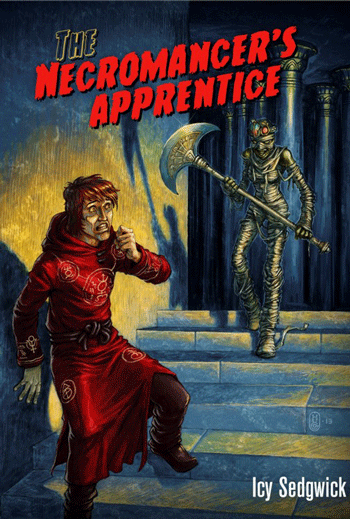
The novella has been enjoying somewhat of a resurgence of late, perhaps in part due to the rise of the e-reader. Usually defined as being somewhere between a short story and novel in length, the novella allows an author to experiment with an idea that’s too long to be shoehorned into 5000 words or less, but not quite enough to sustain 80,000 words of multiple plotlines, varying character viewpoints and so on. Some of literature’s classics are considered to be novellas, such as H. G. Wells’s The Time Machine, George Orwell’s Animal Farm, Charles Dickens’s A Christmas Carol, and Ira Levin’s The Stepford Wives. It’s beyond the scope of this post to try and pin down the exact word count, but to qualify for the Hugo, Nebula, British Fantasy or Black Orchid Award in the novella category, you’re looking at between 20,000 and 40,000 as a maximum word count.
Continue reading...Dee Count Search
Dee Count for iPad counts inventory and helps find where each item was counted at. This brief example shows how to setup for counting, find all locations a specific product was counted at, and export count totals including locations.
Example: Stock Room With Numbered Bins
Let’s say we have a large stock room, or warehouse, organized by bins with each bin marked and organized by numbers. We have bins 101-104 in one area, and bins 201-205 in another. Each bin contains several products, such as toothpaste and bandages, where some products may be in several different bins.
We could name our first location, 101, but later we may decide to add a shelf or pallet. Let’s call our first bin, Bin 101.
Dee Count begins with one location called, “New Location.” Change the name to Bin 101 by tapping the Edit button, clearing out the old name, entering our new name, and tapping Done. (We could also take a photo of our bin, but all our bins look the same.) To add another bin, tap the plus (+) button and enter the name.
Count Items by Bar Code Using Camera
To count products in the bin, we may add manually, use a bluetooth bar code scanner, or scan bar codes using the iPad camera. We’ll scan using the camera.
Tap the Scan Bar Codes to open the camera view. This view will stay open until dismissing it so we can count quickly. To prevent accidental counts, the scan view will indicate a recognized bar code with a blue box and tap the view to add the indicated code. Tap in each bar code. When finished with this bin, tap outside of the camera window to dismiss the camera view.
Continue reading...Promoting Your Book at Apple
Apple is all about consistency and the customer experience. Connect with your audience by following guidelines for the best experience. When your book is on iBooks (or music is on iTunes), use a button that quickly identifies the availability by following Apple’s Identity Guidelines as summarized below.
- use a recognized badge that gives your audience a clear direction
- do not use the iTunes or iBooks logo or likeness
- the badge should be secondary and link to the product
- make badge/button visually pleasing by observing spacing and position guidelines
Custom buttons are nice, but I’ve seen a few that borrow the iBooks likeness. The iBooks logo is for the app, which if used for a book, could increase confusion. Better to help your readers find your book download button as quickly as possible by taking advantage of recognized buttons.
Apple provides a few tools to help make widgets, banners, and links for your site. Widgets and banners come with layouts meeting Apple’s recommendations. Remember to test your links on other devices such as your phone.
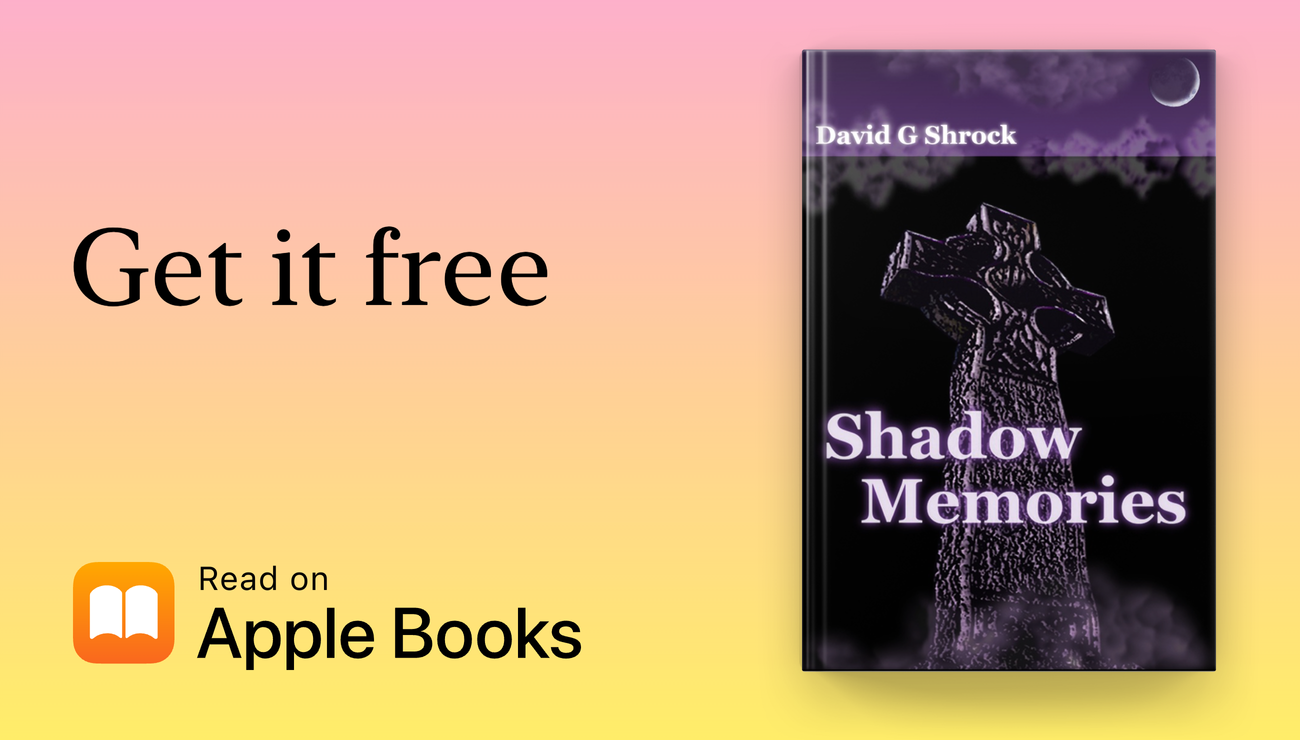
The above widget was created using Apple’s marketing toolbox.
- Apple Marketing Tools: https://toolbox.marketingtools.apple.com/en-us/apple-books/us
If you distribute your ebook to Apple through Smashwords, use the tools to find your ebooks and create recognizable buttons.
Web Icons for Apple Devices
Similar to the favicon, Apple touch icons support iPad and iPhone to promote brand identity. Larger resolutions than standard favicon appear much nicer on retina displays. You may create only one icon, but you’ll be at the mercy of scaling by the device.
An iPad or iPhone user may save a bookmark in Safari browser, or save the bookmark to the home screen, generating a web clip icon. Without a special icon on your site, Safari will use a generic placeholder and a tiny preview image will appear on the home screen.
See Apple guidelines on creating webpage clip. Like the favicon, place these PNG images in the root folder of your website. Optionally, you may use alternate icons for sub-pages. Here are the image dimensions and names to use shown with my (copyrighted) images for my sites, Kandy Fangs and this blog:
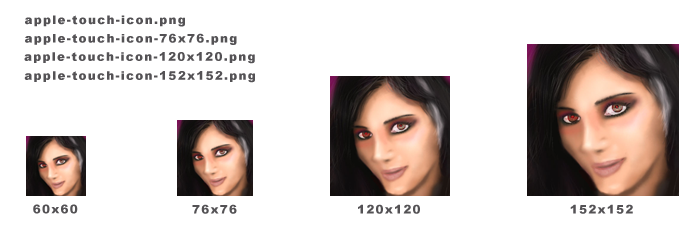
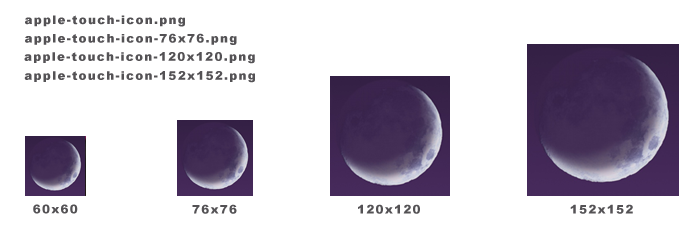
The base file is apple-touch-con.png with expected size at 60x60, which will be used if the others are missing. Other image sizes work for this file as well, but may be scaled. For each image, append a hyphen and then the size, such as, -76x76.
Here’s what my icons look like on an iPad saved to Safari Favorites and the home screen:
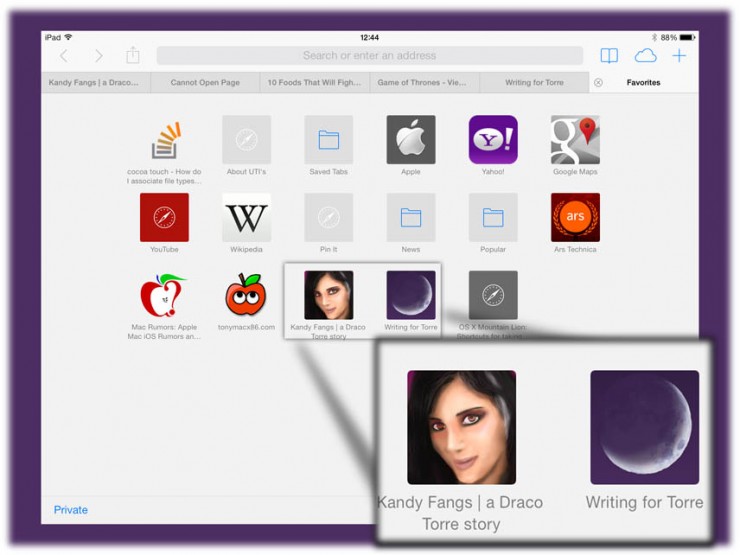
Notice the generic solid-colored icons for sites without apple-touch icons in Safari.
That’s it. When creating your favicon, don’t forget to include some icons for apple-touch.
Apple, Safari, iPhone, and iPad are trademarks of Apple.
Dee Count Update v1.64
The latest Dee Count for iPad update adds increment-by-tap for items in the list and also fixes an issue with text clearing when keyboard dismisses.
If items lack UPC codes, or you just need to add quick counts, tap the item in the list to open the menu and select the ++ button. This is quicker than performing a copy-paste, useful when you have many items to increment. Opening the menu first helps prevent accidental increments while still allowing for fast incrementing.
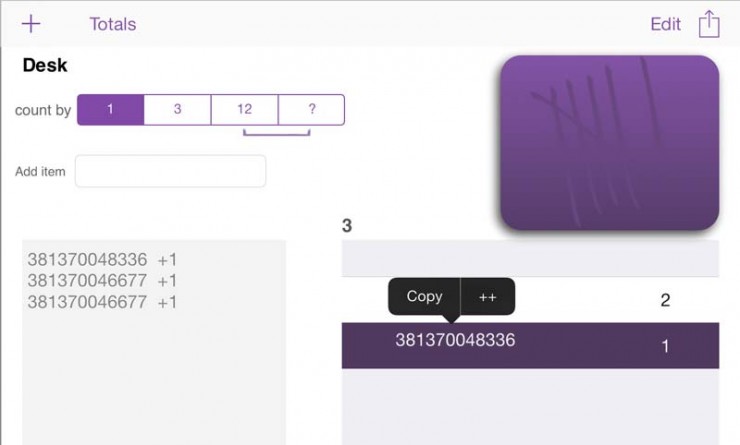
Other changes:
- fixed text in Add item box clearing when dismissing keyboard
- updated UI for more natural order of input
Dee Count inventory counting software for iPad started out as a custom solution for a client, and later released, aimed at small business owners without a need for dedicated counting system or service. Support for Bluetooth scanners and scanning with the built-in camera included. Read more about it on the Dee Count page.